
HTML Editors
Web pages can be created and modified by using professional HTML editors like Visual Studio Code, Sublime Text Editor, etc. But we can also use simple text editors like Notepad (Windows) or TextEdit (Mac).
Steps to create your first web page
Step 1: Open any text editor mentioned above whcih you are comfortable with.
Step 2: Write some HTML code into the editor to test it.
Step 3: Save the HTML Page
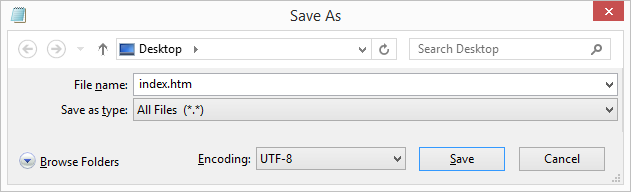
Save the file on your computer. Select File > Save as in the File menu of the editor.
Name the file "index.htm" and set the encoding to UTF-8 (which is the preferred encoding for HTML files).
Tip: You can use either .htm or .html as file extension. There is no difference, it is up to you.
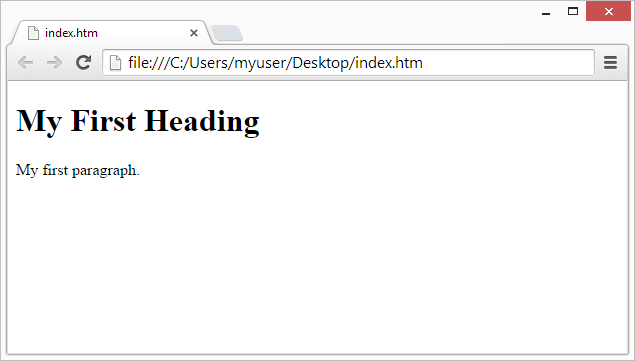
Step 4: View the HTML Page in Your Favourite Browser by double-clicking on the file, or right-click - and choose "Open with".